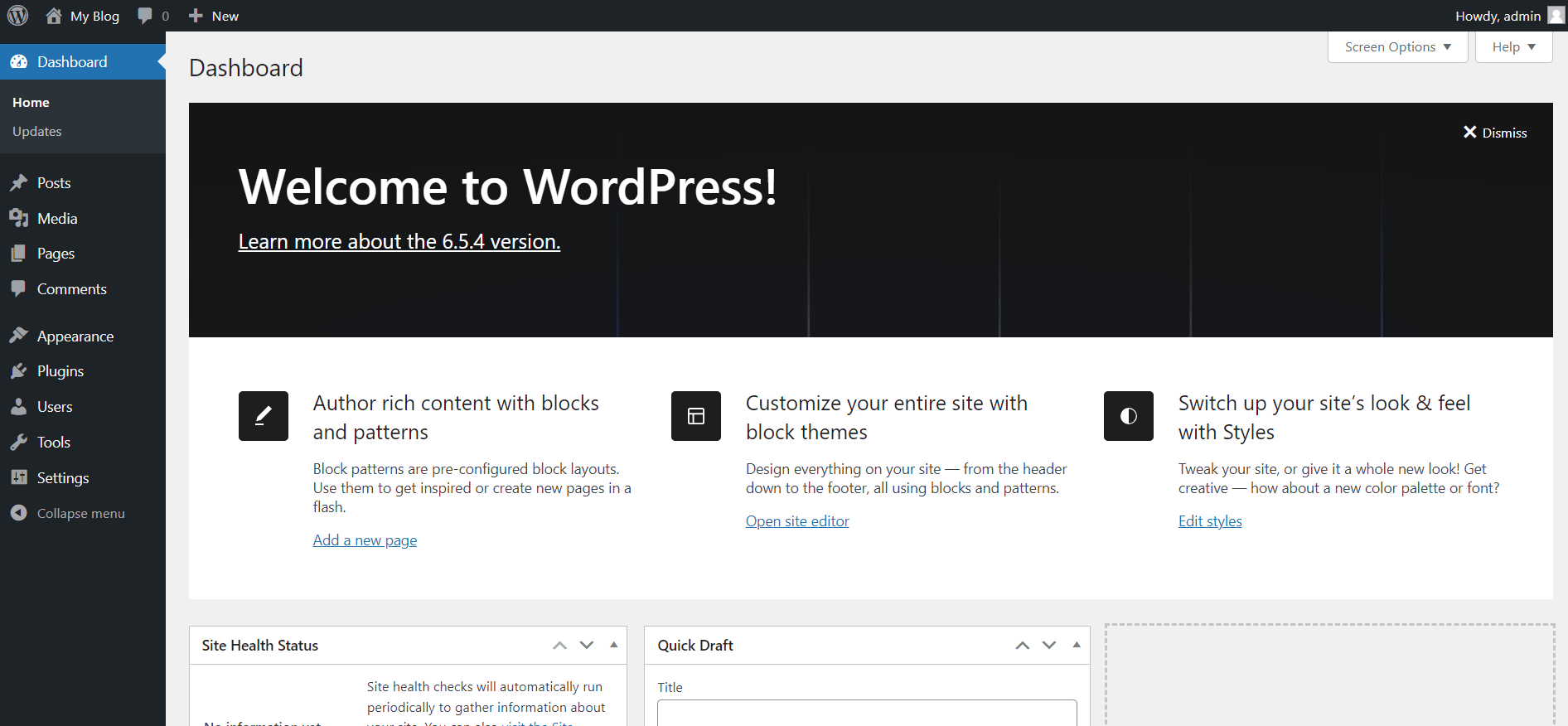
WordPress is an open-source content management system used for creating, managing, and publishing websites with a user-friendly interface. WordPress installation via Softaculous in cPanel is quite easy. You can follow the steps below for the installation.
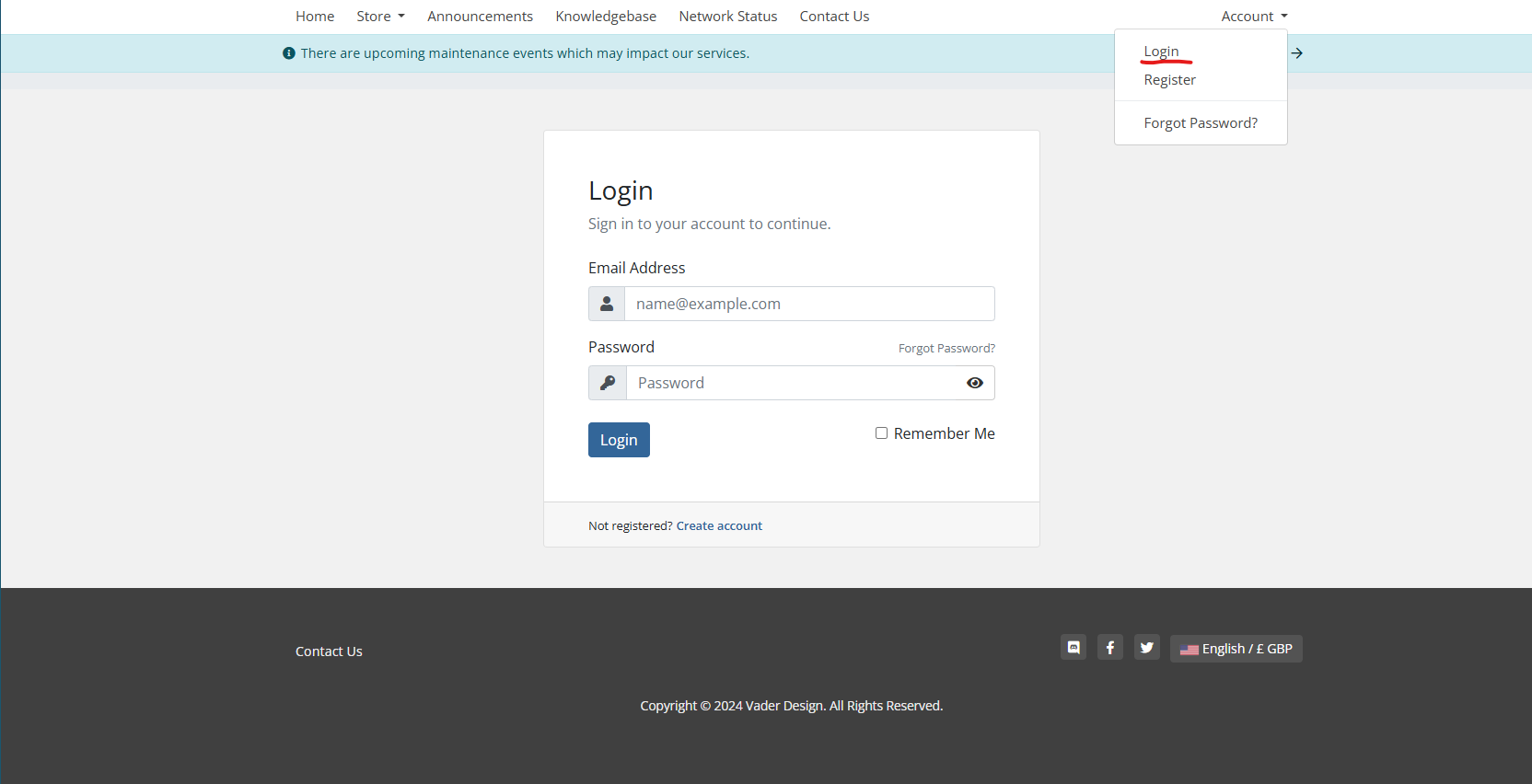
- Access the website www.portal.vaderdesign.co.uk
- Click on the “account” button on the opened page, enter your customer panel information, and click the “Log in” button to log in to your account.

Upon logging in you will see log-in to cPanel
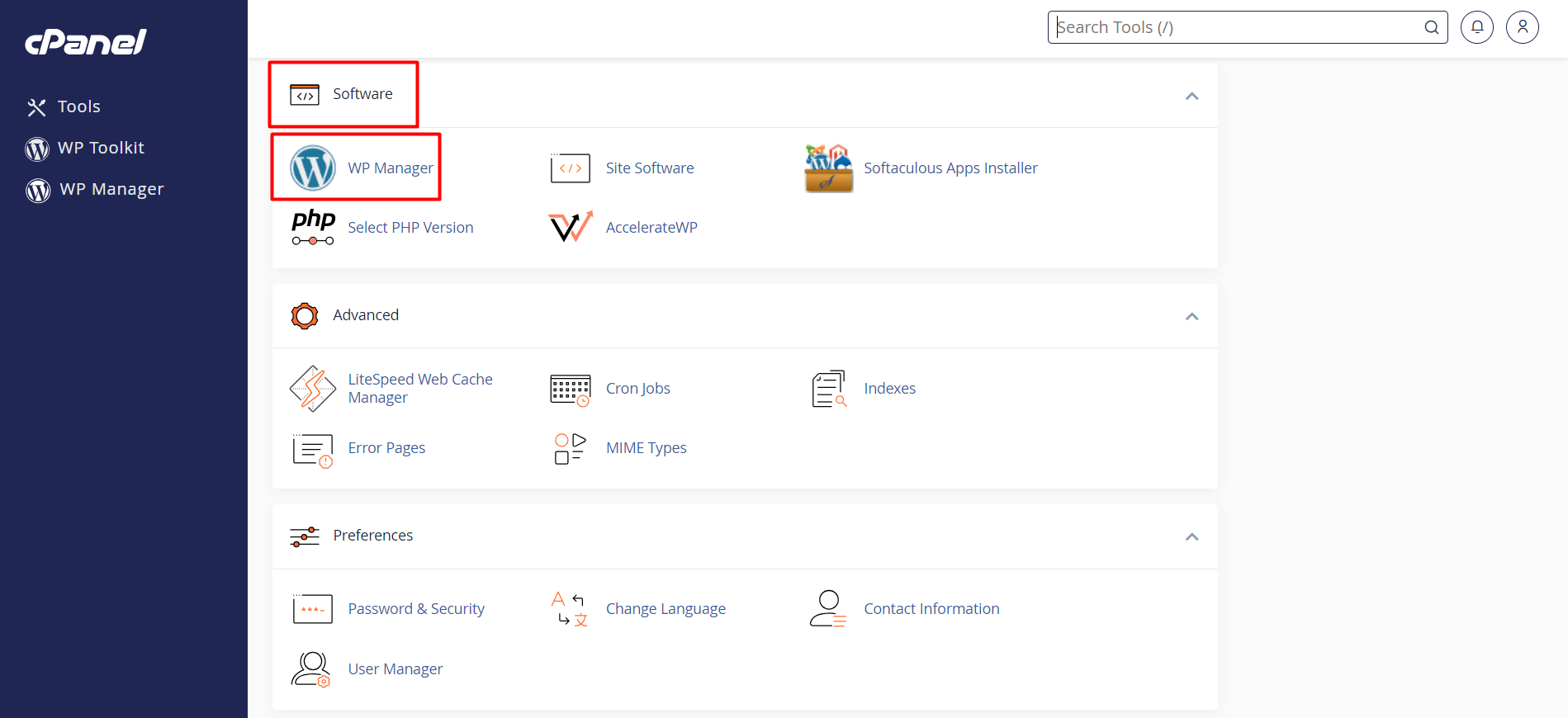
- Access the “Software” section on the cPanel homepage. You will see the WordPress icon (WP Manager) on the screen. Click on it.
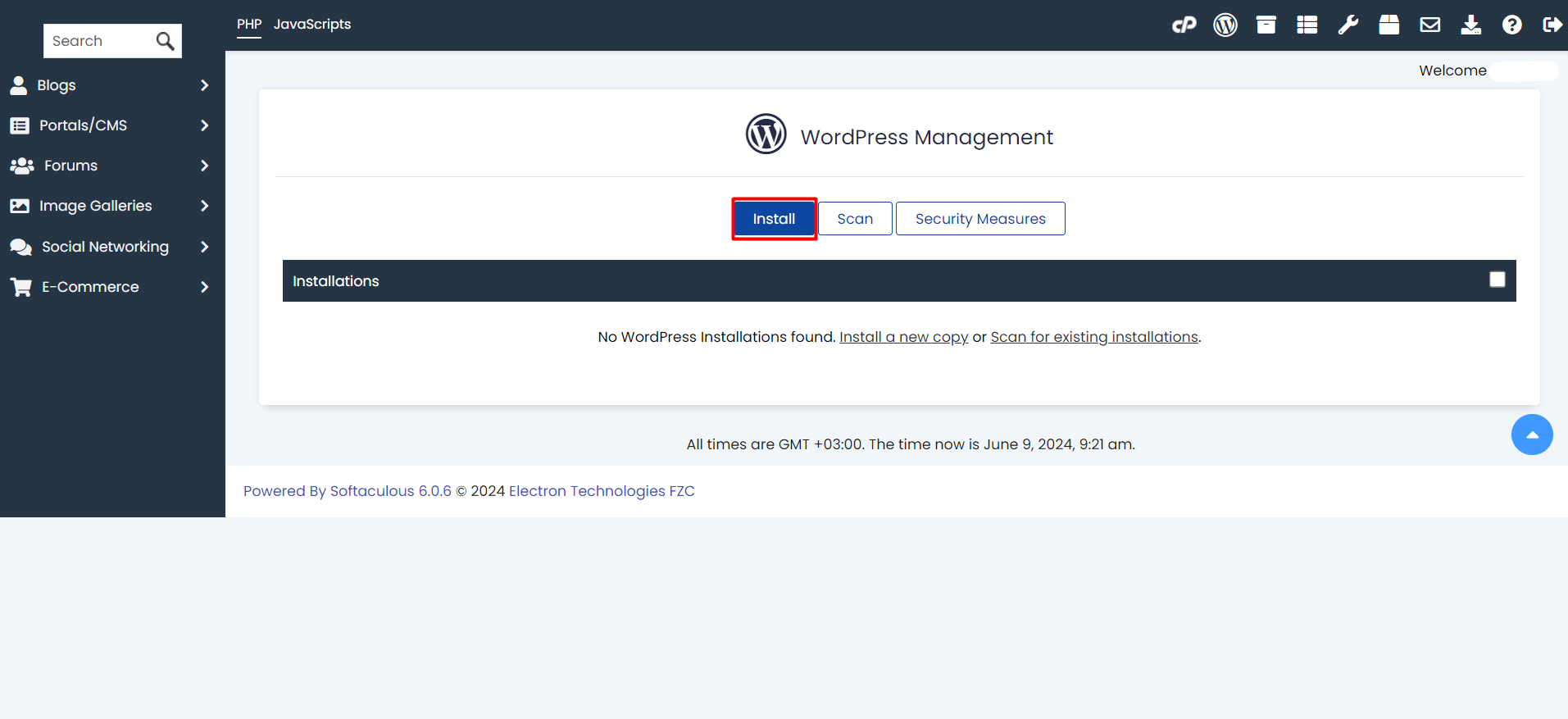
- Click the “Install” button on the WordPress installation page to start the installation process.
- On the installation page, you will be prompted to configure settings such as where to install WordPress, site name, admin username and password, email address, and other settings. It’s advisable to take note of your admin credentials for easier access to the wp-admin panel.
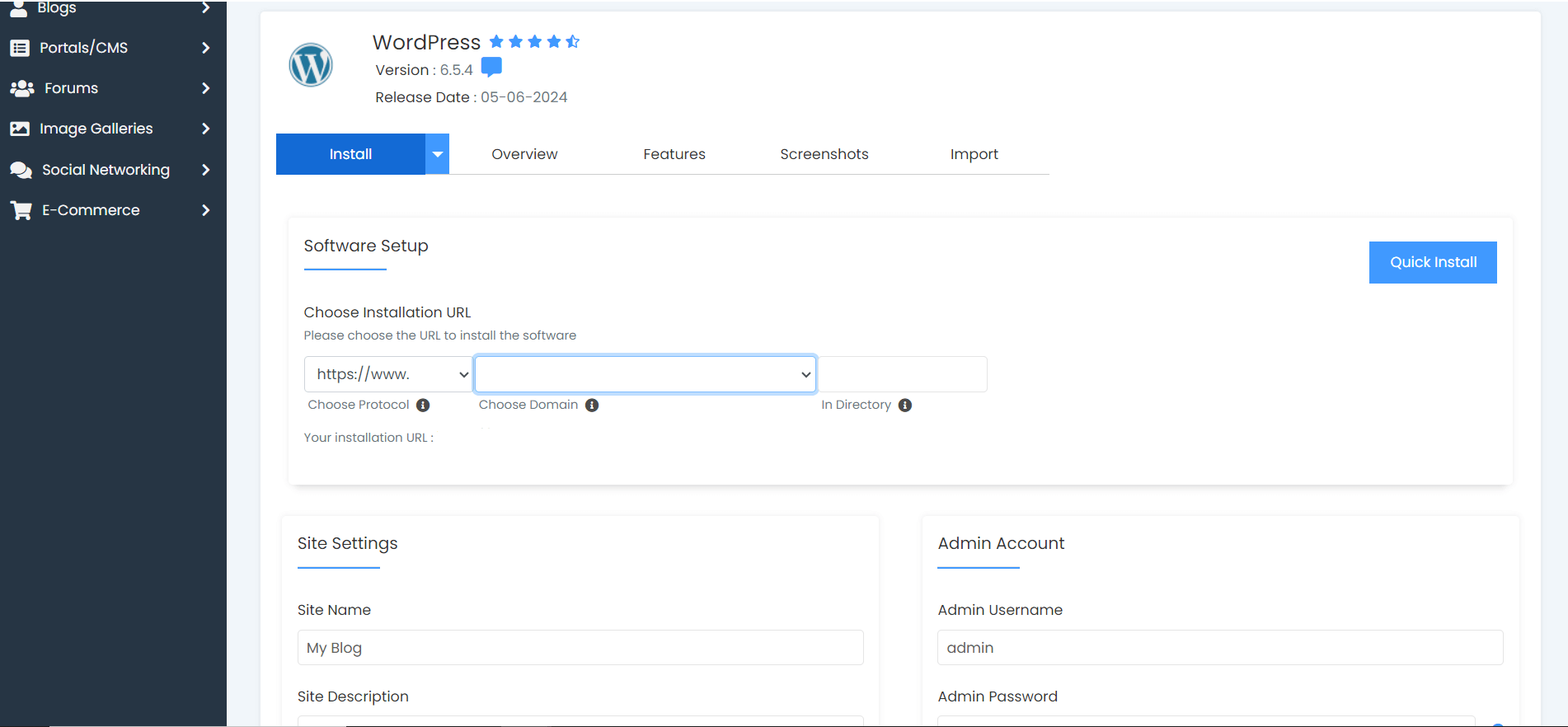
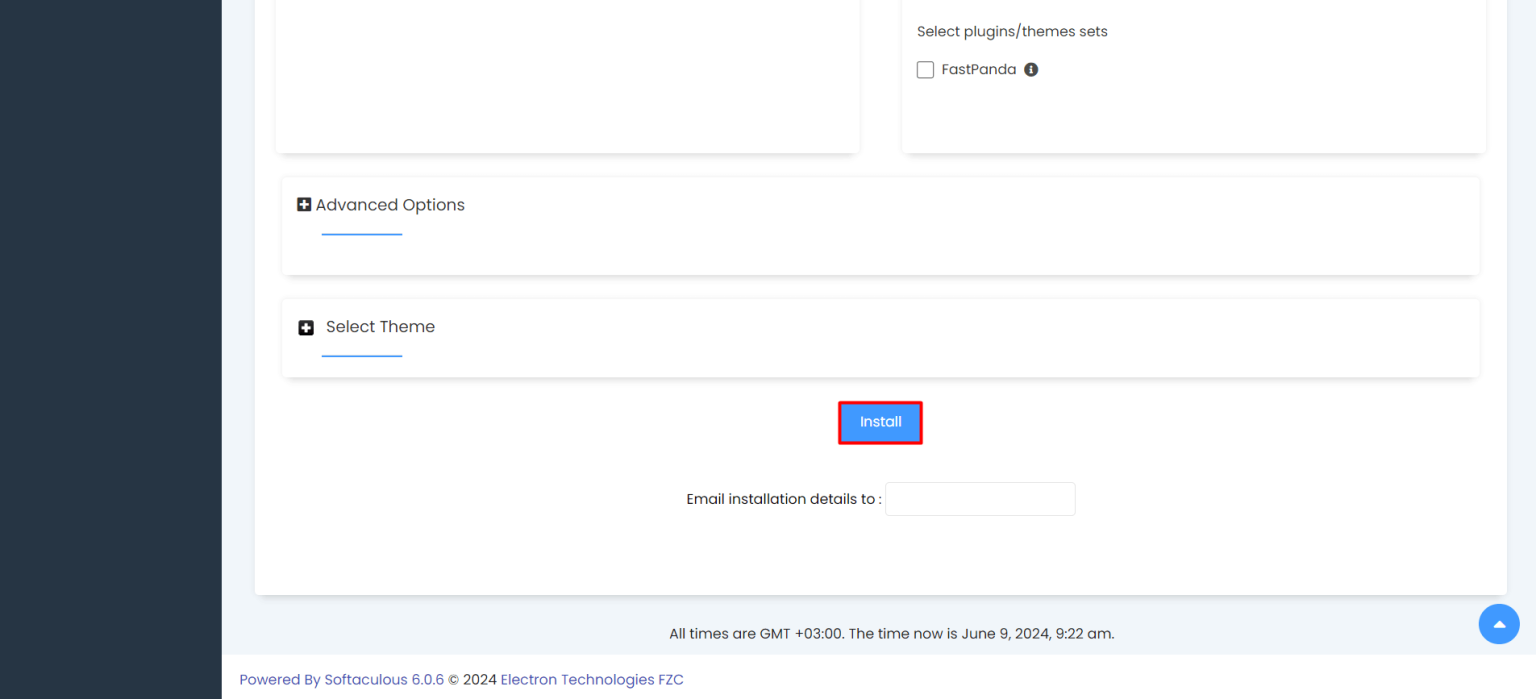
- After taking note of your details and filling in the information, click on the “Install” button located at the bottom of the page. This will initiate the installation process, and cPanel will complete the WordPress installation successfully through Softaculous.
- After the installation is complete, open your web browser and type in the address bar your own website’s domain followed by “/wp-admin”. (Example: xxxyyyzzz.co.uk/wp-admin)
- Enter the username and password you noted down to access the WordPress admin panel.
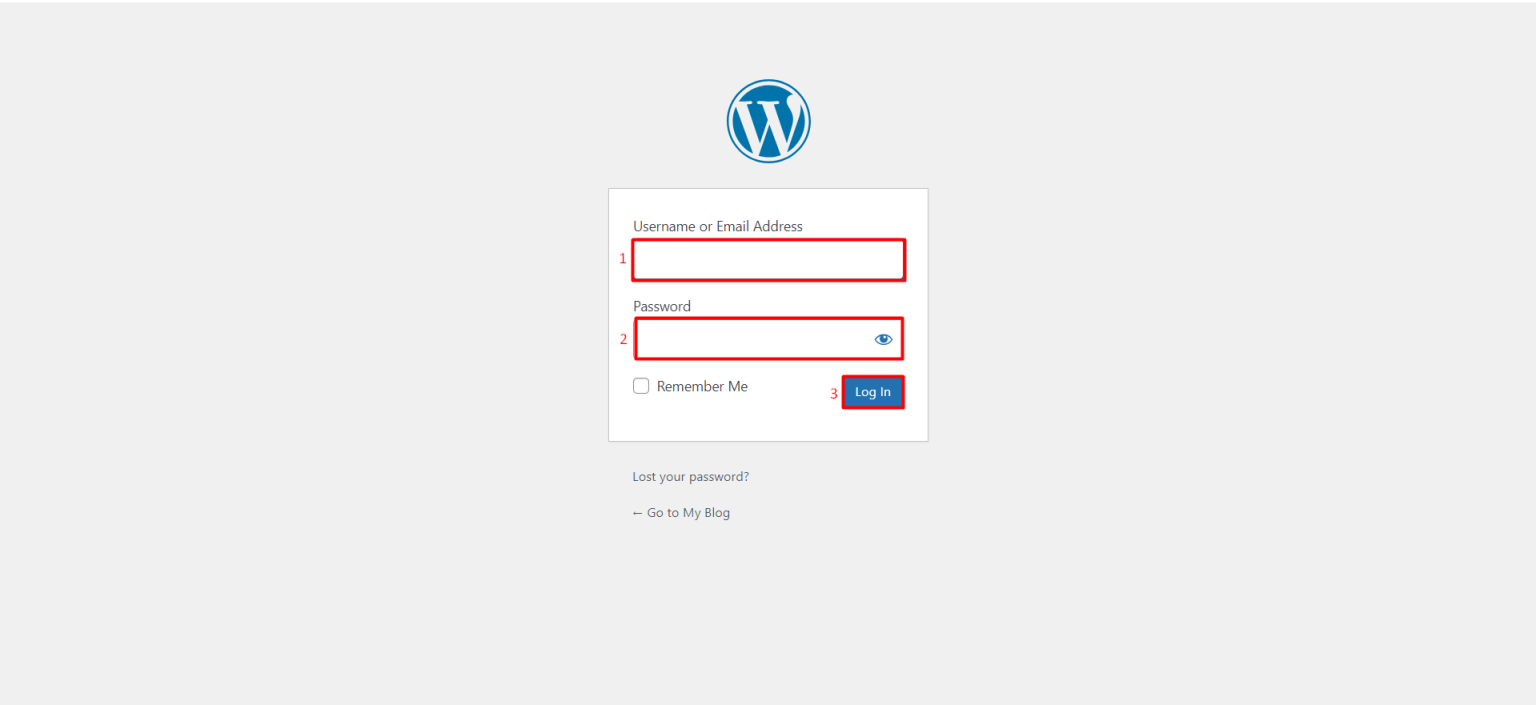
- You can start managing your website from the opened page.